What Time Zone Am I In Now
Time Zone World >> Time Zone>> What Time Zone Am I In Now
What Time Zone Am I In Now
It can be a little tricky to figure out what time zone you are in sometimes, especially when you are just starting to learn about it. Lots of things can make it confusing, like when you travel or when you are talking to someone far away. But don’t worry!
We will make it super simple. Let’s find out exactly what time zone you are in, step by step. Get ready to learn how easy it can be to find your time zone.
Key Takeaways
- You will learn easy ways to find your current time zone.
- We will explain why knowing your time zone is important.
- You will understand how different time zones work.
- We will cover how to tell what time it is in other places.
- You will get tips on avoiding time zone mix-ups.
Finding Your Current Time Zone
It is surprisingly common to ask, “what time zone am i in” when you are not sure. This can happen for many reasons. Maybe you have just moved to a new place.
Perhaps you are planning a call with someone in another country and need to make sure you are both on the same page. The world has many different time zones, and keeping track of them all can be a bit of a puzzle. For beginners, it might seem like a big challenge.
But it does not have to be. We will break it down into simple steps that anyone can follow. You will be a time zone expert in no time!
Using Your Device’s Settings
Most modern devices like smartphones, tablets, and computers have a super handy way to show you your current time zone. They do this automatically by using your location. This is often the quickest and easiest method.
You do not need to be a tech whiz to find this information. It is usually right there where you can see the time displayed.
- Smartphones and Tablets: On both iPhones and Android phones, you can usually find your time zone settings in the main Settings app. Look for a section related to “Date & Time” or “System.” Often, there’s an option to “Set automatically” or “Automatic Time Zone,” which uses your device’s GPS or network location to figure out where you are and what time zone applies. If it’s not set to automatic, you will see your current time zone displayed.
- Computers (Windows): On a Windows computer, you can find this by right-clicking the clock in the taskbar (usually in the bottom right corner). Select “Adjust date/time.” Here, you will see the current date and time, and below it, the time zone. Windows can also automatically set the time zone based on your location if this feature is enabled.
- Computers (Mac): For Mac users, go to the Apple menu, then System Preferences (or System Settings on newer macOS versions). Click on “Date & Time.” In this window, you will see your current time zone displayed. Similar to Windows, Macs can also automatically detect your time zone if “Set time zone automatically using current location” is checked.
These automatic settings are very reliable. They use signals from cell towers or GPS satellites to pinpoint your location. Once your device knows where you are, it knows which time zone you are in.
It is like having a little helper telling you the correct time all the time.
Checking Online Tools
If you prefer not to mess with device settings or if your settings are not working correctly, the internet is your best friend. There are many websites designed specifically to tell you your time zone. These tools are usually very straightforward.
You can simply search “what time zone am i in” on any search engine. The top results will likely be websites that can tell you. Some of these sites will ask for permission to use your location.
Others might ask you to enter your city or postal code. Both methods are effective.
For instance, websites like TimeAndDate.com or WorldTimeBuddy.com are excellent resources. They not only tell you your current time zone but also allow you to explore time zones around the world. This is great for when you need to call a friend or colleague in a different country.
These online tools are incredibly useful because they are constantly updated. They account for any changes or daylight saving time shifts. So, you can trust the information you get from them.
It is a simple way to get accurate time zone data without any hassle.
Why Knowing Your Time Zone Matters
Figuring out “what time zone am i in” is not just a random question. It has real-world importance. Knowing your time zone helps you stay organized and connected.
It makes communication smoother and helps avoid embarrassing or costly mistakes. Think about all the times you need to be in sync with others, and your time zone is the key.
Scheduling and Appointments
When you schedule meetings, calls, or appointments, your time zone is crucial. If you are scheduling a video call with someone in a different city or country, you need to know both your time zone and theirs. Otherwise, you might end up calling them at 3 AM their time, or they might call you when you are asleep.
This is a common problem when working with international teams or clients.
For example, a project manager in New York (Eastern Time) needs to schedule a daily stand-up meeting with a team in London (Greenwich Mean Time). If the New York manager schedules it for 9 AM Eastern Time, they need to know what time that is in London. London is typically 5 hours ahead of New York.
So, 9 AM in New York is 2 PM in London. This ensures everyone joins the meeting at the appropriate time for them, leading to better participation and productivity.
A study by the Harvard Business Review found that miscommunication due to time zone differences is a significant challenge for remote and distributed teams. Around 60% of teams reported difficulties coordinating meetings across different time zones. This highlights the practical need to accurately identify and communicate time zones.
Travel and Logistics
When you travel, your time zone changes. Your phone might update automatically, but it’s good to know what’s happening. This is important for making connections, like catching flights or trains.
If you are arriving in a new place, you need to know the local time to know when your hotel check-in is or when restaurants open.
Imagine booking a flight from Los Angeles to Tokyo. Los Angeles is in the Pacific Time Zone (PT), and Tokyo is in Japan Standard Time (JST). JST is 17 hours ahead of PT.
If your flight leaves Los Angeles at 10 PM on Monday, it will land in Tokyo on Wednesday morning, perhaps around 7 AM. Without understanding the time zone difference, you might think you are arriving much sooner or later than you actually are, which could mess up your travel plans.
Communication and Social Connections
Keeping in touch with friends and family who live far away is much easier when you know their time zone. You can send a message or make a call at a time when they are likely to be awake and available. This shows you respect their time and makes your conversations more pleasant.
For instance, sending a birthday wish to a friend in Australia from Europe requires a bit of timing. Europe observes Central European Time (CET) or Greenwich Mean Time (GMT), while Australia has multiple time zones, like Australian Eastern Standard Time (AEST). AEST is typically 8-10 hours ahead of CET, depending on daylight saving.
Sending a wish at midnight in Europe might be early morning or even daytime in Australia, ensuring it arrives on their actual birthday.
Understanding Time Zone Basics
The world is a big place, and the sun does not shine on everyone at the same time. This is why we have time zones. They are like slices of the Earth, each with its own time.
This helps keep things orderly and makes sure that noon is generally when the sun is highest in the sky for that area.
What Are Time Zones?
Time zones are regions that observe a uniform standard time for legal, commercial, and social purposes. They are essentially a way to synchronize clocks around the world. The Earth rotates on its axis, causing day and night.
If everyone used the same time, then noon would be midday in one part of the world and midnight in another, which would be very confusing.
To solve this, the world is divided into 24 main time zones. Each zone is approximately 15 degrees of longitude wide. This is because the Earth rotates 360 degrees in 24 hours, and 360 divided by 24 is 15.
So, each hour of the day corresponds to roughly 15 degrees of longitude.
The starting point for measuring time zones is the Prime Meridian, which runs through Greenwich, London. This is why the primary reference time zone is called Coordinated Universal Time (UTC), also often referred to as Greenwich Mean Time (GMT) in common usage. All other time zones are calculated as being a certain number of hours ahead of or behind UTC.
UTC and Time Zone Offsets
UTC is the main clock for the world. Think of it as the anchor time. Every other time zone is described by how many hours it is away from UTC.
This difference is called an “offset.” For example, New York City is usually UTC-5, meaning it is 5 hours behind UTC. Paris is usually UTC+1, meaning it is 1 hour ahead of UTC.
The offset can be positive (+) if the time zone is east of the Prime Meridian and negative (-) if it is west. For example,:
- Eastern Standard Time (EST) in North America is UTC-5.
- Central European Time (CET) is UTC+1.
- Japan Standard Time (JST) is UTC+9.
- Pacific Standard Time (PST) is UTC-8.
Understanding UTC offsets is key to converting times between different zones. If it is 12:00 UTC, then it is 7:00 AM in EST (12 – 5 = 7) and 1:00 PM in CET (12 + 1 = 13, or 1 PM). This system allows for clear communication and coordination globally.
Daylight Saving Time (DST)
Many places change their clocks twice a year for Daylight Saving Time. In the spring, clocks are moved forward by one hour. In the fall, they are moved back by one hour.
This is done to make better use of daylight. It means that a time zone’s offset from UTC can change during the year.
For instance, during winter, New York observes Eastern Standard Time (EST), which is UTC-5. But during summer, it switches to Eastern Daylight Time (EDT), which is UTC-4. This one-hour shift is important to remember when scheduling calls or planning travel during these periods.
Not all countries observe DST. For example, Japan and India do not use DST. This can sometimes lead to more confusion when crossing borders or communicating with people in regions that do and do not observe it.
Always check if DST is active in a particular region when calculating time differences, especially during spring and fall.
How to Find Time Zones for Other Locations
Once you know how to find your own time zone, the next step is learning about others. This is essential for connecting with people worldwide, whether for work or personal reasons. There are several reliable ways to do this.
Using World Clock Websites
Websites dedicated to world clocks are incredibly useful. They provide a clear overview of current times in major cities and countries around the globe. You can usually see a list of cities and their current times, along with their UTC offset and whether they are currently observing DST.
Popular sites include WorldTimeBuddy.com, TimeAndDate.com, and TheTimeZoneConverter.com. These sites often allow you to add your own location and then compare it with any other location you choose. This makes it very easy to see at a glance if a proposed meeting time works for everyone involved.
For example, if you are in Chicago (Central Time, UTC-6) and need to schedule a call with a colleague in Sydney, Australia (Australian Eastern Standard Time, UTC+10), you can use these tools. You would input Chicago and Sydney, and the website would show you the current time in both places and the difference. You could then propose a time like 9 AM Chicago time, and the website would tell you that this is 12 AM (midnight) the next day in Sydney, allowing you to adjust if that is too late.
Time Zone Converters
Time zone converters are specialized tools that take the guesswork out of time calculations. You simply enter a date, time, and the starting location, and then select the destination location. The converter will tell you the exact time in the destination location for that specific date and time.
These are particularly helpful for planning events far in the future or for understanding very complex time differences. They account for all the nuances, including DST. Many of the world clock websites also have built-in converters.
Let’s say you are planning a webinar that needs to be accessible to people in North America, Europe, and Asia. You can use a converter to find a time that is reasonable for all participants. For instance, if you set the webinar for 2 PM UTC on a specific date, a converter can tell you that this is 9 AM EST in New York, 3 PM CET in Berlin, and 10 PM CST in Beijing.
This allows you to pick a slot that works best for the majority.
Mobile Apps
There are many mobile applications available for both iOS and Android that function as world clocks and time zone converters. These apps are convenient because you can access them from your phone anytime, anywhere.
Some popular apps include “World Clock – Time Zones,” “Time Zone Converter,” and “World Time Buddy.” They offer features like custom lists of cities, alerts for specific times, and easy comparison tools. Many users find these apps more intuitive and user-friendly than websites, especially when on the go.
These apps are updated regularly to reflect any changes in time zones or DST rules. They are designed for ease of use, often with a clean interface that makes seeing time differences very simple. You can set up your favorite cities and have all the information you need right at your fingertips.
Common Time Zone Myths Debunked
There are a few ideas about time zones that people often get wrong. Let’s clear up some common myths so you have the real facts.
Myth 1: All countries have their own unique time zone.
This is not true. Many countries, especially larger ones, have multiple time zones within their borders. For example, the United States has six main time zones.
Russia has eleven!
The reality is that time zones are based on longitude, not strictly on political borders. Smaller countries or those located within a narrow band of longitude often use a single time zone. Larger countries or those spanning a great east-to-west distance need multiple time zones to keep local time in sync with the sun’s position.
Myth 2: Time zones are always exactly one hour apart.
While most major time zones are one hour apart, this is not always the case. Some countries or regions use half-hour or even quarter-hour offsets from UTC. For example, India observes UTC+5:30, and Nepal uses UTC+5:45.
These non-standard offsets are less common but are real.
The reason for these smaller offsets is often historical or political, or it might be a way to make time align better with local solar noon or to facilitate trade and communication within a region. When calculating time differences, it is important to be aware that not all gaps are a full hour.
Myth 3: Daylight Saving Time is observed everywhere in the world.
This is a common mistake. Many countries do not observe Daylight Saving Time at all. Nations near the equator typically do not have significant variations in daylight hours throughout the year, making DST unnecessary.
Also, some countries have chosen not to implement it for various reasons.
Places like China, India, and most countries in South America do not use DST. Even within countries that do observe DST, the start and end dates can vary. Therefore, assuming DST is active everywhere is incorrect.
You must check the specific DST rules for the locations you are interested in.
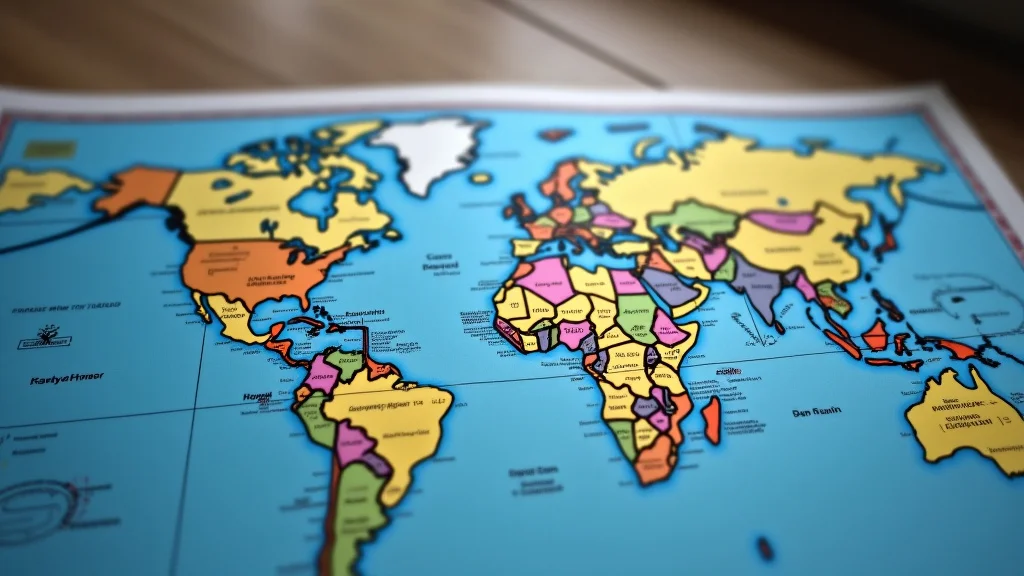
Myth 4: You can always tell the time zone by looking at a map.
While a map can give you a general idea of time zones, it is not always perfectly accurate for precise determination. Time zone boundaries are not always straight lines following longitude. They often zigzag to keep cities, towns, or political regions within the same time zone for practical reasons.
Sometimes, a time zone boundary might cut through a city or a county.
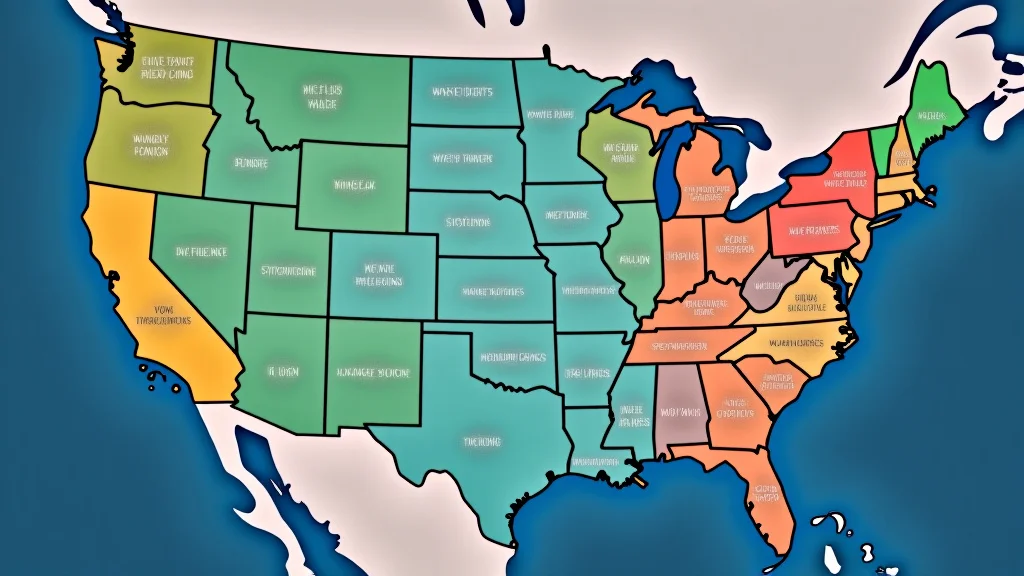
For example, the border between Central Time and Eastern Time in the United States is not a straight vertical line. It follows county lines in some states, creating irregular shapes. This means that simply looking at a map and drawing a straight line might lead you to the wrong time zone for a specific location.
Using an official time zone map or a reliable online tool is always more accurate.
Frequently Asked Questions
Question: How can I quickly find what time zone I’m in right now?
Answer: The easiest way is to check your smartphone or computer’s date and time settings. They usually show your current time zone automatically if set to do so. You can also search “what time zone am i in” online, and many websites will tell you based on your location.
Question: What is the main time zone used for international scheduling?
Answer: Coordinated Universal Time (UTC) is the main time zone used for international scheduling. It is the global standard time. Most other time zones are expressed as an offset from UTC.
Question: Do all countries have the same number of time zones?
Answer: No, countries have different numbers of time zones. Smaller countries usually have one time zone, while larger countries like Russia or the United States have many to account for their wide east-to-west span.
Question: How do I know if it’s daylight saving time where I am?
Answer: Your device’s automatic time settings will usually adjust for daylight saving time if it’s active in your region. You can also check online resources or your local government’s official information for specific dates and times of DST changes.
Question: Is it hard to call someone in a different time zone?
Answer: It can be tricky if you’re not careful, but it’s not hard. Use a world clock website or app to see their local time. Then, pick a time that’s good for both of you.
It just takes a little planning!
Final Thoughts
You have learned simple ways to discover what time zone am i in. It is about using your device or quick online checks. Understanding time zones helps you schedule better, travel smarter, and connect with others more easily.
You now have the tools to find your time zone and any other. It is all about knowing where to look and how the system works.
Related Post

Understanding the Central Time Zone
Figuring out time zones can be tricky sometimes, especially when you first look at the…